
Hexatone
An isomorphic hexagonal keyboard and microtonal instrument for iPad. Every interval keeps the same shape anywhere on the grid, so scales and chords are easy to learn and transpose, in any tuning. It makes its own sound, in tune, with built-in voices and a sampler, and no extra apps required.

Key Features
Play Any Tuning
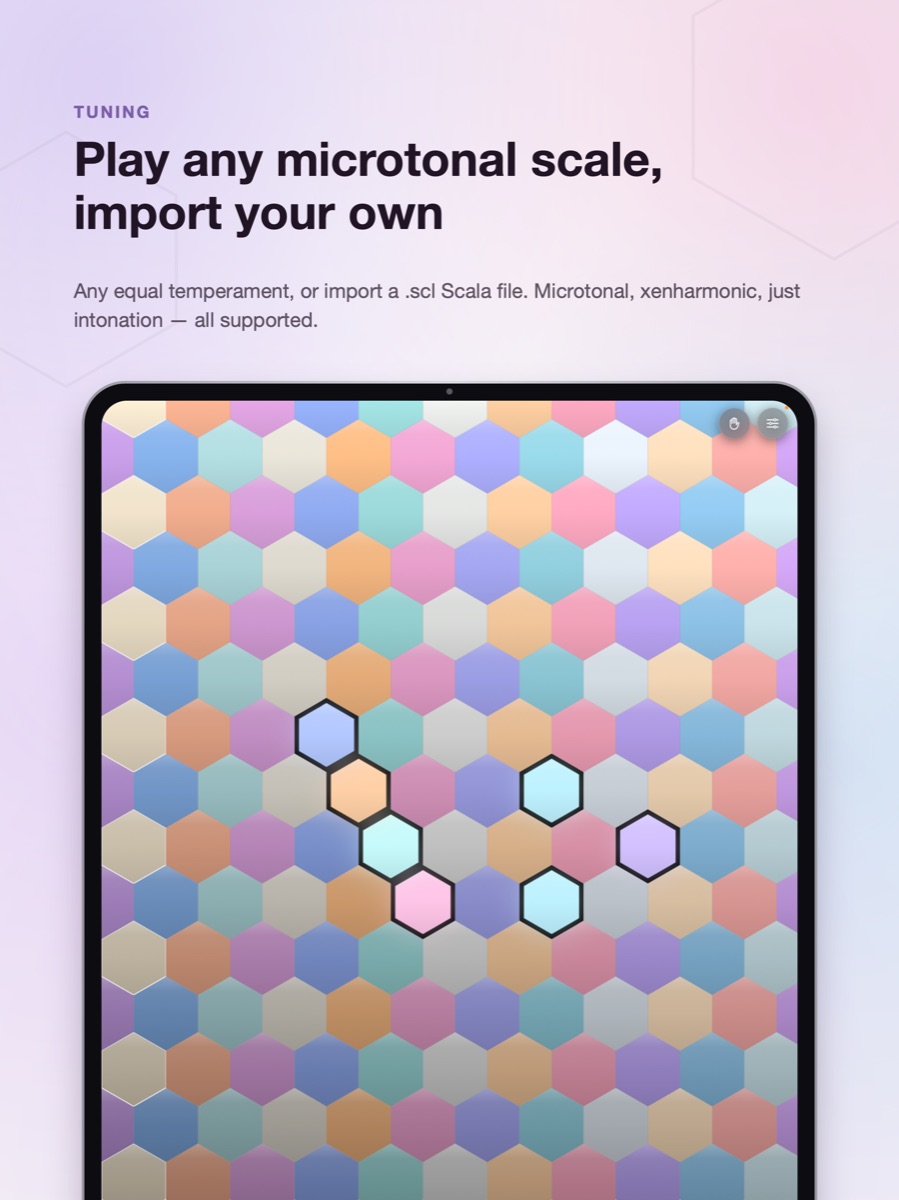
Any equal temperament (N-EDO): 12, 19, 22, 24, 31, 53 and beyond. Import your own scales as Scala (.scl) files, and keys show their ratios. Adjustable octave, concert pitch (A4), and key density.
A Sound of Its Own
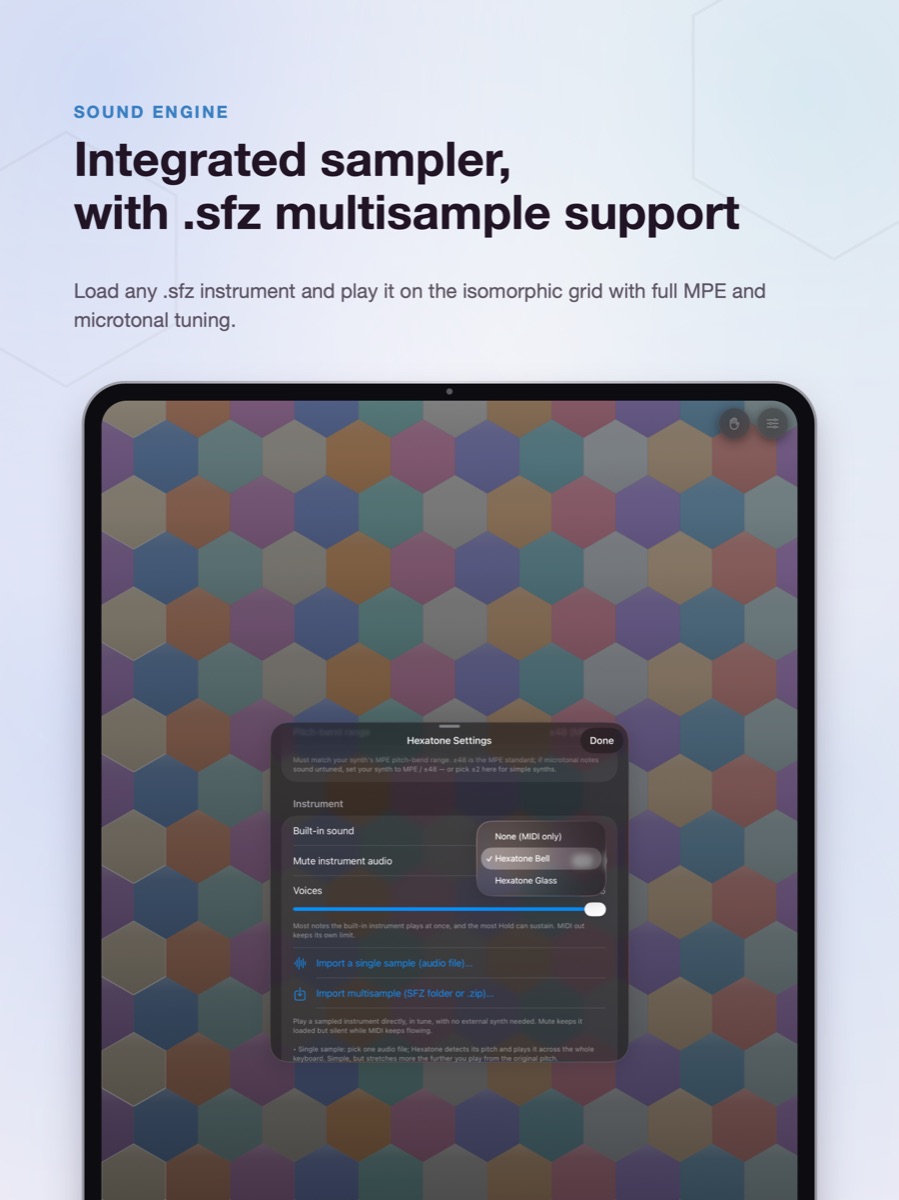
Two built-in voices play in tune out of the box: a struck bell and a sustaining glass tone. Or load a single sample, or a full multisample instrument (SFZ) as a folder or a .zip. Name, rename, and manage your library right in the app.
- No external synth needed
- Send MIDI at the same time
Hold, Arpeggiate, Play Hands-Free
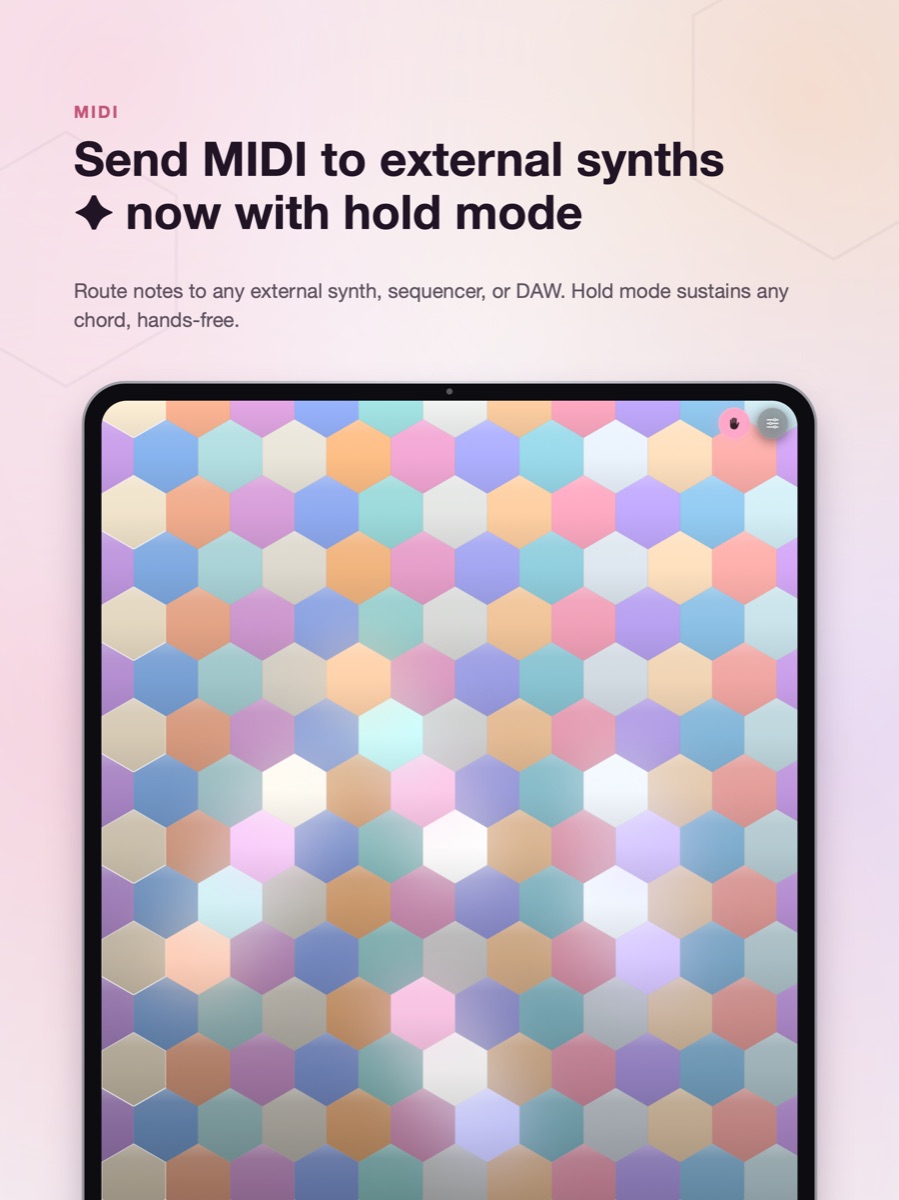
Hold a chord, lift your hands, and the arpeggiator plays it one note at a time: five patterns, rates from 1/4 to 1/32 with triplets, gate length, and up to four octaves, transposed by your tuning's own octave so it stays in tune in any scale. As a plugin it follows the host tempo. Hold mode sustains chords, and a panic button silences everything in one tap.
Isomorphic Layouts
Bosanquet, Wicki-Hayden, Harmonic Table, Fourths, Accordion, Park, Gerhard, or a fully Custom layout. Every interval keeps its shape across the entire grid.
Beautiful, Readable Keys
Glassy, glowing keys that light up as you play. Five colour palettes (Pastel, Inferno, Turquoise, Campfire, Signal). Hue shows pitch class, brightness shows octave, so you can read the keyboard at a glance.
Works Everywhere
Standalone & AUv3 Plugin
Use Hexatone on its own, or as an AUv3 plugin inside AUM, Logic Pro, GarageBand, Cubasis, Loopy Pro, Drambo, and more. A second plugin, Hexatone MIDI, is the same keyboard as a pure MIDI effect, for hosts that only take MIDI from their MIDI slots (Drambo, AUM, Logic's MIDI FX).
MPE Pitch Output
Hexatone uses MPE for per-note microtonal pitch: each note plays on its own channel with its own pitch bend, so MPE-capable synths sound every microtonal interval in tune. Note velocity, a velocity curve, and an adjustable pitch-bend range round out the control.
A note on MPE: Hexatone sends the per-note pitch (X) dimension. The continuous Y (timbre / CC74) and Z (pressure) expression of touch controllers like the Seaboard isn't sent yet, because a flat screen can't natively sense those. Richer touch expression is on the roadmap.
Plays Well With
Hexatone's per-note microtonal pitch works in any MPE-capable synth. A few iPad synths it sounds great with:
Many more work too. If a synth offers an MPE or per-note pitch-bend mode, Hexatone can drive it in tune.
Free Companion Tool
SFZ Builder
Turn a folder of samples into a Hexatone instrument in seconds. The Builder decodes each sample right in your browser, detects its pitch (from the filename, or by listening to the audio when the name has no note), maps the keyboard automatically, and packs everything into one ready-to-import file. Nothing is uploaded. It all runs on your own device.
What is an SFZ instrument, and how does the naming work?
An SFZ instrument is a small text file (.sfz) that tells a sampler
which recording to play for each key, bundled together with its audio samples.
Hexatone plays each sample back at the exact frequency of every microtonal note,
so the instrument stays in tune in any tuning.
The Builder works out each sample's pitch from its filename. It understands names
like Piano_A3.wav, Cello-C4.aif, pad_Gb2.wav,
or a bare MIDI number like kalimba_60.wav. When a name has no note, it
listens to the audio and detects the pitch for you. You can always correct a note,
or a key range, by tapping it.
Tip: if a library names notes an octave off (a file called A3 that is
really concert A 440), use the Octave shift control to move everything at once.
Updates
Contact
Get in Touch
Questions, feedback, or press inquiries: always welcome.